Google AdMob introduces AI tools to automate monetization and ad management
How to Control Landing Page Selection in Google Ads with AI Max
4 New Restrictions on Interest-Based Targeting
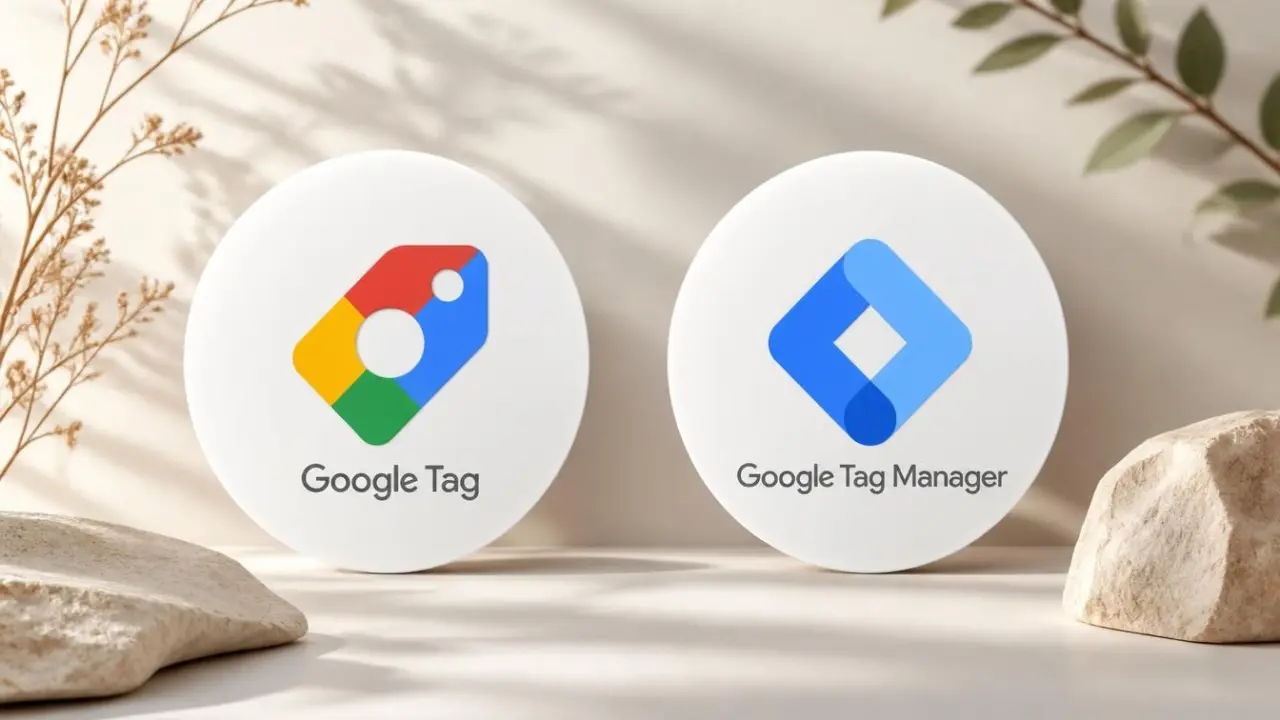
Google is integrating Google Tag Manager capabilities directly into Google tag. Advertisers will gain access to advanced tagging, debugging, and version control features without having to install Tag Manager separately.
As part of the update, every Google tag will become a Tag Manager container. This brings the two tagging systems closer together while preserving the existing tracking behavior on websites.
Google has announced several updates to its tagging infrastructure:
gtag config command.With these changes, Google aims to make its tagging tools more consistent while expanding the capabilities available to Google tag users.
Google emphasizes that the upgrade will not change how existing Google tags behave on websites. Advertisers will gain additional management features, but the update is not intended to affect how tags fire or collect data.
Each Google destination will continue to have its own tag, preserving existing configurations and triggers used for automated events.
This means advertisers will not need to rebuild their existing tracking implementations simply to access the new Tag Manager features.
One of the more technical updates concerns how new tags are deployed.
Google says all new deployment snippets will use the same format and will no longer include the gtag config command. Instead, the company recommends configuring initialization behavior through standard Google Tag Manager initialization triggers.
Advertisers who need to preserve legacy behavior can configure an Initialization trigger to wait for the config command.
This change is particularly relevant to developers and analytics teams managing custom tagging implementations or relying on specific initialization sequences.
Although Google says existing tag behavior will remain unchanged, some configurations may require attention.
Users with unsupported installations are scheduled to receive the upgrade in January 2027. Google recommends adjusting these implementations before the transition takes place.
However, the company has not indicated that every existing installation needs to be modified. Advertisers should first check whether their current setup falls into the unsupported category.
Google is turning every Google tag into a Tag Manager container, giving users access to advanced tagging controls, debugging tools, and version management without requiring a separate Google Tag Manager installation.
For most existing configurations, tracking behavior will remain unchanged. However, developers and analytics teams should pay attention to the new installation snippet format, initialization settings, and compatibility of their current setup ahead of the January 2027 upgrade.
Say hello to us!
A leading global agency in Clutch's top-15, we've been mastering the digital space since 2004. With 9000+ projects delivered in 65 countries, our expertise is unparalleled.
Let's conquer challenges together!
performance_marketing_engineers/
performance_marketing_engineers/
performance_marketing_engineers/
performance_marketing_engineers/
performance_marketing_engineers/
performance_marketing_engineers/
performance_marketing_engineers/
performance_marketing_engineers/